Start with generation, verify editing separately
Image generation creates a new scene from a text description. Image editing starts with an existing image and may involve local changes, reference images, or successive revisions. These workflows need separate endpoint and parameter checks.
The verified path on this page is text-to-image generation through /v1/images/generations. Image editing, masks, reference images, multi-turn revisions, and other advanced features were not tested in this request. A successful generation does not establish support for them.
Evaluate text-to-image tasks such as product concepts, article illustrations, or scene exploration with your own prompts. Read the full integration guide, then test the capabilities you need on the intended route.
Call the GPT Image 2.6 generation API
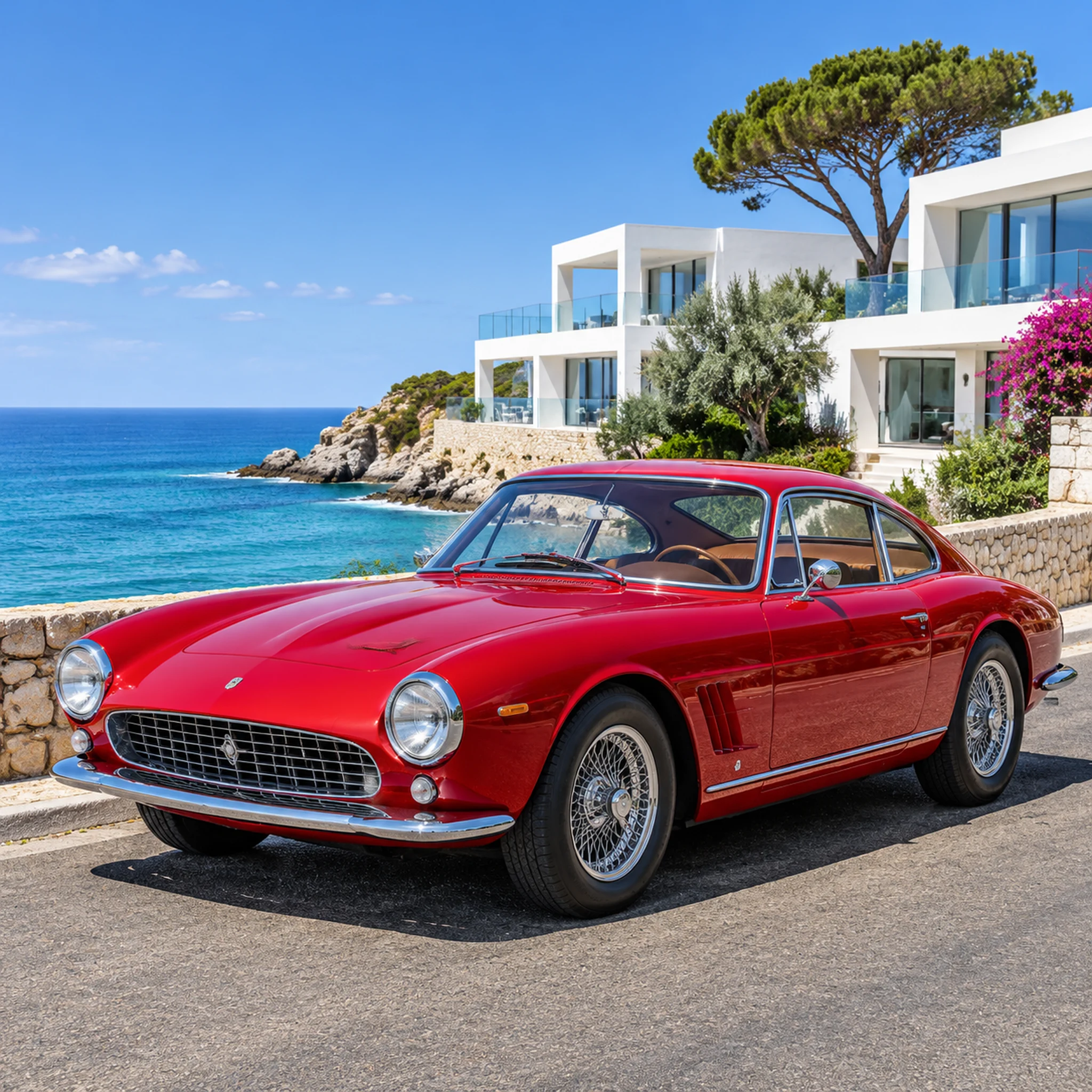
Send POST https://api.cheapbuddy.cc/v1/images/generations with model ID gpt-image-2.6. This example uses the verified field combination, with a red vintage sports car on a coastal road as the prompt subject.
Replace YOUR_CHEAPBUDDY_API_KEY locally with your API key. This cURL example uses Bash / POSIX shell syntax.
curl --request POST 'https://api.cheapbuddy.cc/v1/images/generations' \
  --header 'Authorization: Bearer YOUR_CHEAPBUDDY_API_KEY' \
  --header 'Content-Type: application/json' \
  --data '{
    "model": "gpt-image-2.6",
    "prompt": "A red vintage sports car on a coastal road",
    "size": "1024x1024",
    "response_format": "b64_json"
  }'
Read the successful response at data[0].b64_json. Decode the Base64 data, save the image, and inspect its actual format and dimensions. This example omits n and quality.
Check the route and the actual response
The verified request used model, prompt, size, and response_format. Optional parameters and accepted values depend on the route. Other sizes, quality settings, response modes, or editing parameters are not established by this result.
If a route rejects an optional field, return to this field combination to isolate the issue, then test additions individually. Submit separate single-image requests when you need multiple images; support for the n batch parameter remains unconfirmed for 2.6.
The requested size differed from the actual image dimensions in this sample. Read the dimensions and format of the returned file. The single observed duration of about 37 seconds is also not a response-time commitment.
Common questions
Has image editing been verified?
Only text-to-image generation was verified here. Image editing, masks, reference images, and multi-turn revisions were not tested in this production request and need separate checks on the intended route.
Can n generate several images in one request?
Support for the n batch parameter is unconfirmed for GPT Image 2.6; the successful request omitted n. A separate GPT Image 2.5 request rejected n=2, which does not establish support for 2.6. Submit separate requests when you need multiple images.
Will every request return a 2048×2048 image in about 37 seconds?
No guarantee follows from this sample. About 37 seconds and a 2048×2048 PNG describe one result on November 5, 2026; the requested size was 1024x1024. Check the duration, actual dimensions, and format of each response.